IK7Z Login - sign in to your IK7Z Game account
The IK7Z login screen is the front door to everything inside the IK7Z app - your wallet, deposit history, withdrawal status and saved games. This page explains how IK7Z login works, how to recover a forgotten password, and the small habits that keep your account safe.
How to log in to IK7Z Game
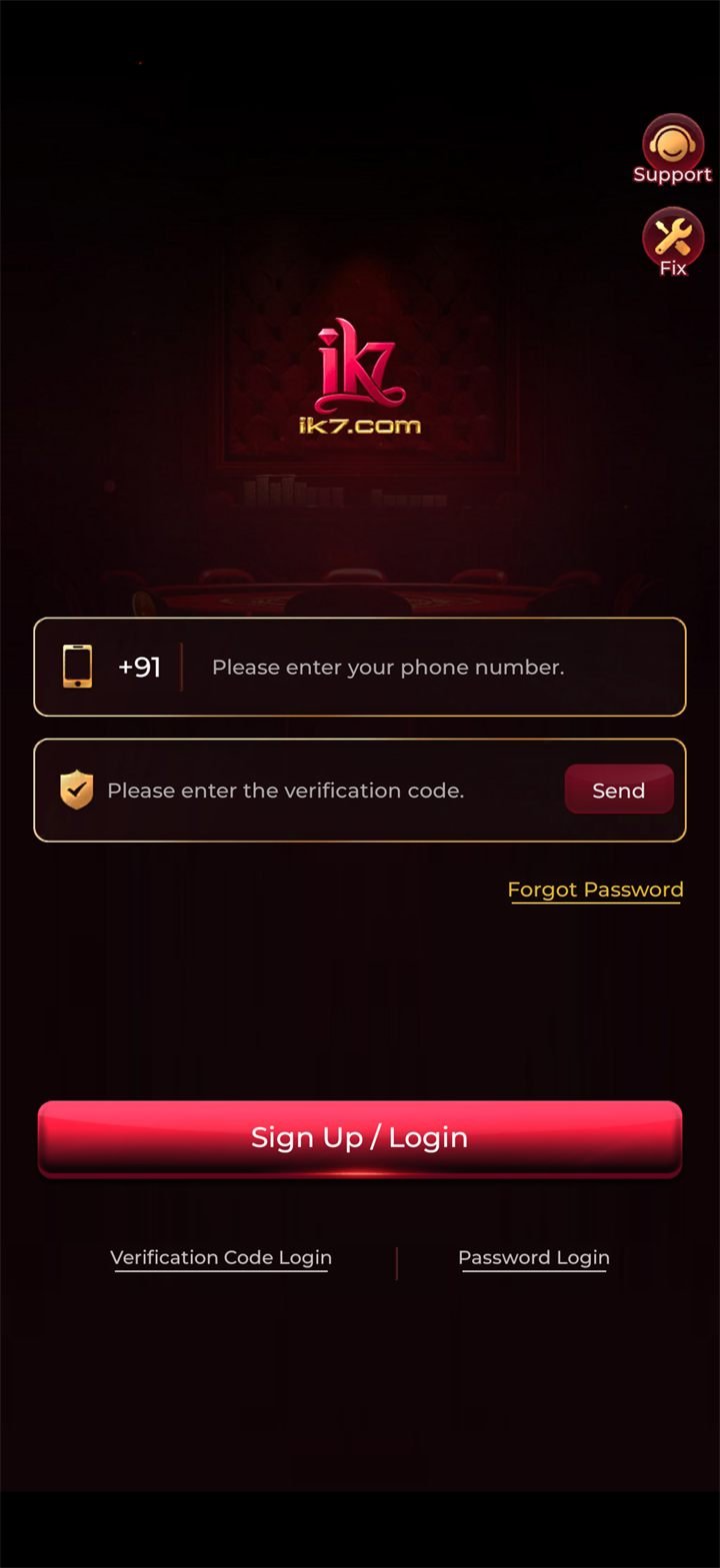
The IK7Z login flow is intentionally short. Once you have installed the IK7Z APK and registered with your mobile number, signing back in takes only a few seconds.
- Open the IK7Z app on your Android phone.
- Tap Login on the welcome screen.
- Enter your registered mobile number (the one used during registration).
- Type your password - or tap the OTP option to receive a one-time code by SMS.
- Tap Sign in. Your wallet, bonus balance and recent games load.
Forgot your IK7Z password?
If you cannot remember your password, do not create a second account - that splits your wallet and your transaction history. Instead:
- Tap Forgot password on the IK7Z login screen.
- Enter the mobile number registered to your IK7Z account.
- Approve the OTP that arrives by SMS.
- Set a new password - at least 8 characters with a mix of letters and numbers.
- Sign in with your new credentials.
The reset uses the same encrypted session that handles deposits, so the code in the SMS is single-use and short-lived. If it expires, request a new one from the same screen.
What happens after IK7Z login
Once you are signed in, the app remembers your session unless you log out manually or change your password. Inside the app you can:
- Top up your IK7Z wallet.
- Withdraw to your linked UPI or bank account from the wallet section.
- Track your claimed bonuses and rewards history.
- Update your KYC details.
- Switch between games without re-authenticating.
Why IK7Z login is built around mobile numbers
Mobile-first authentication is common for Indian gaming apps, for two practical reasons. First, your mobile number is already tied to your UPI handle, which lines up with how deposits and withdrawals settle. Second, OTP recovery is faster than email recovery where SMS arrives in seconds. The app may also ask for an email address during registration, but usually as a backup.
⚠️ Phishing notice
Stay safe - habits that protect your IK7Z account
Most IK7Z account problems trace back to weak passwords, recycled credentials, or signing in on other people's devices. Lock these four habits in and you are covered.
Use the in-app login screen
The IK7Z APK has a built-in login form that talks directly to the official server. Avoid links shared on WhatsApp or Telegram - they often lead to fake mirror sites.
Strong password, single device
Pick a password you do not reuse anywhere else. Treat the login like your banking app, because your wallet balance can be real money.
Lock your phone
Enable a screen lock and biometric unlock on your Android device so a stolen handset cannot open your account even if you stay signed in.
Sign out on shared phones
If you ever sign in on someone else's device for a quick check, log out from the profile menu before handing the phone back.
Don't have the IK7Z app yet?
You can only sign in if the IK7Z APK is installed on your phone. Get the latest download below - registration is built into the same flow.
Opens the official download destination in a new tab.